Troubleshooting
Quick answers to the questions we hear most, and how to reach us when they don't help.
Signing in
“Too many failed attempts. Account locked for …” After five wrong passwords in a row, sign-in pauses for 15 minutes. Wait, or reset your password with Forgot password?.
The reset email doesn’t arrive. Check your spam folder and that you typed the address you signed up with. For security we always say an email was sent, even when the address isn’t registered.
“An account with this email already exists.” You’ve signed up before. Sign in instead, or reset your password.
Creating codes
+ Generate QR is greyed out. Either you don’t have an active plan, or you’ve reached your plan’s code limit. Check the counter at the top of the QR Codes page. See Plans and limits.
“Error creating geofence”. The radius is probably below 50 m. Geofences must be between 50 m and 5,000 m.
The address search puts the pin in the wrong place. Make the address more specific (street, number, town, country), or right-click the exact spot in Google Maps, copy the coordinates and paste them into Latitude and Longitude.
Scanning
People on site are told they’re outside. Their GPS fix is off, typically indoors. Increase the radius; see choosing the right radius. Location accuracy in Analytics shows how precise phones are at your venue.
Scanners never get asked for their location. They refused it once and the browser remembers. See If a scanner is refused.
I changed the destination but people still get the old page. Only dynamic codes can be changed. For a static code, the link is printed into the pattern itself; create a dynamic code and reprint. If the code is dynamic, check whether a time-based rule is active right now, since rules override the default page.
The code shows “inactive” or “reached its scan limit”. Switch it back on, or raise or reset the limit, on the code’s card. See Scan limits.
Numbers
My scans aren’t counted. Static standard codes aren’t tracked; make the code dynamic. Very fast repeat scans from one network are only counted up to 30 per hour per code.
Analytics looks empty. Check the date range at the top, and clear the tag filters.
Team
I can’t invite anyone. All seats are taken, or your role is Field user. See Team and roles.
A colleague’s invitation link doesn’t work. Invitations expire after 7 days. Cancel it on the Team page and send a new one.
Contact
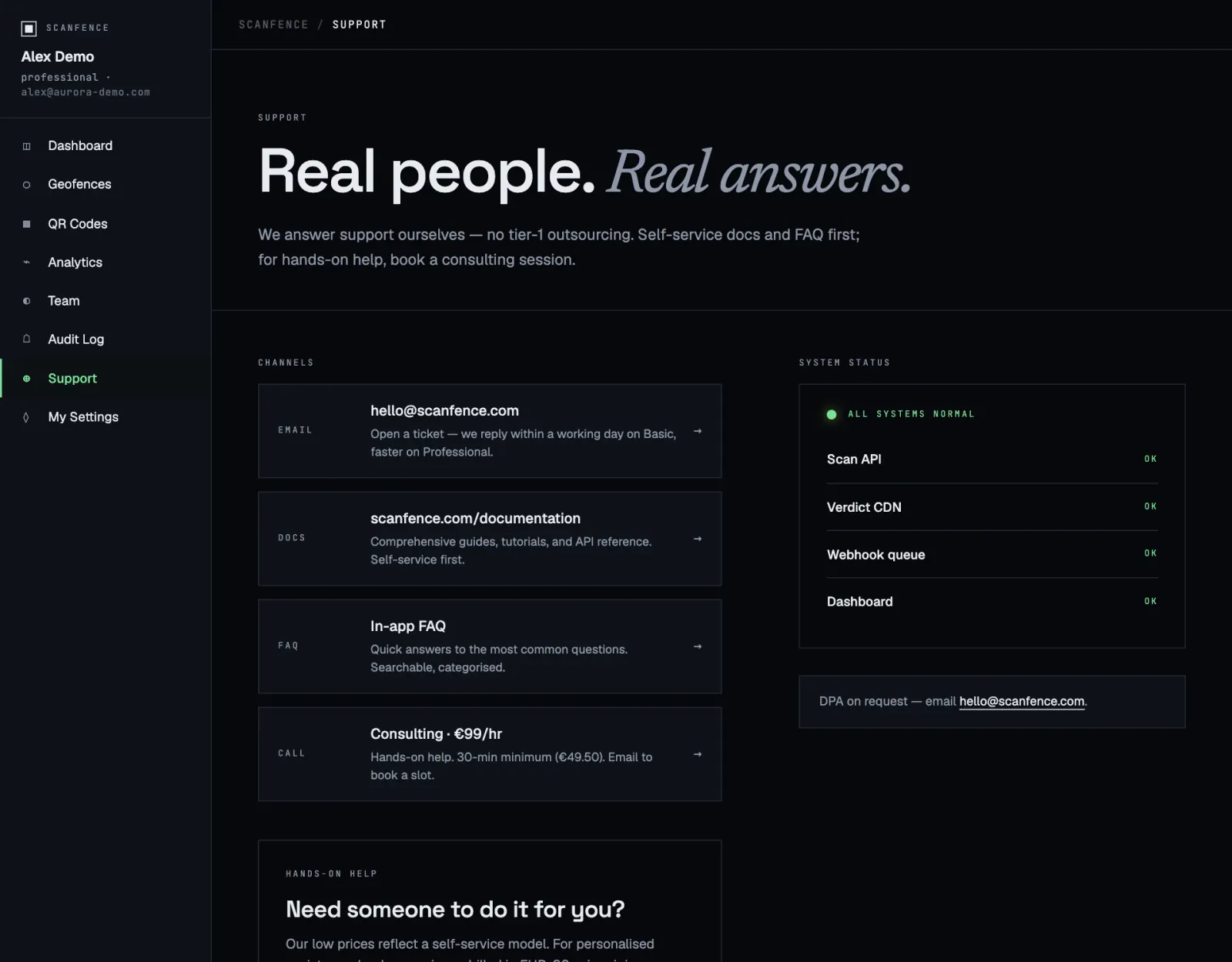
Most questions are answered in this help and in the FAQ on the pricing page. Plans don’t include personal support. For setup help, a campaign review or a migration from another QR tool, you can book a paid hands-on session from Help in the app menu. Have your user ID from My Settings, the name of the code and a screenshot ready; it speeds things up.